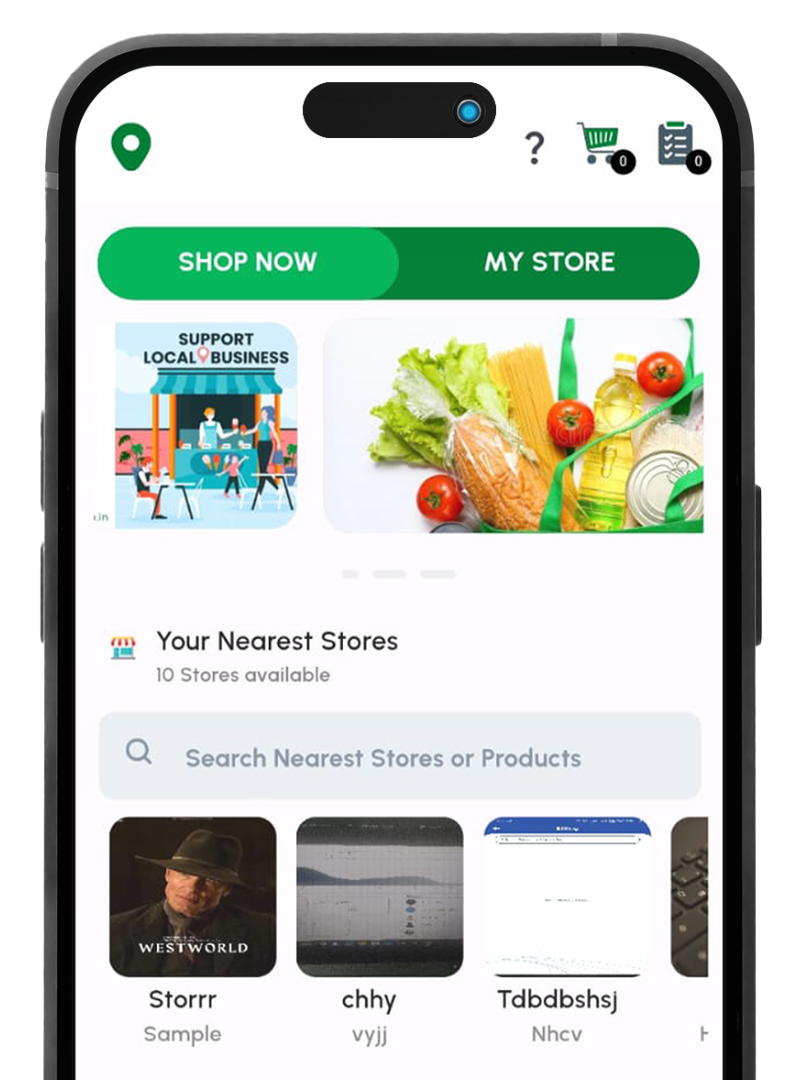
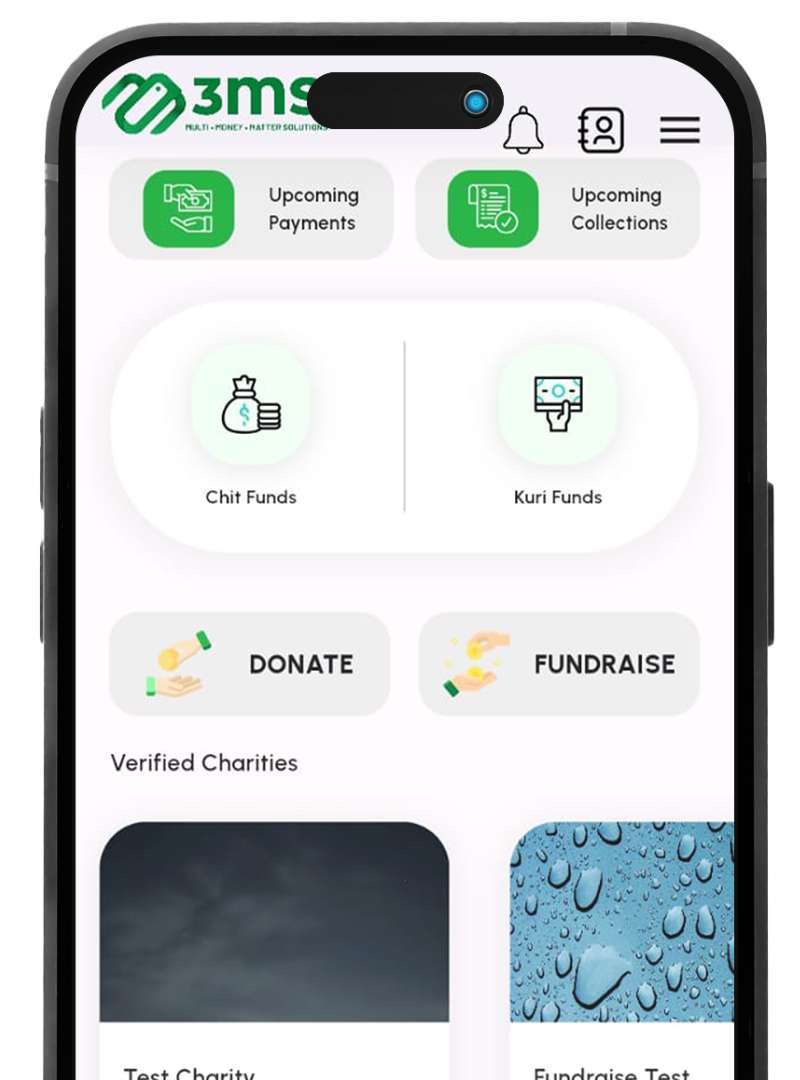
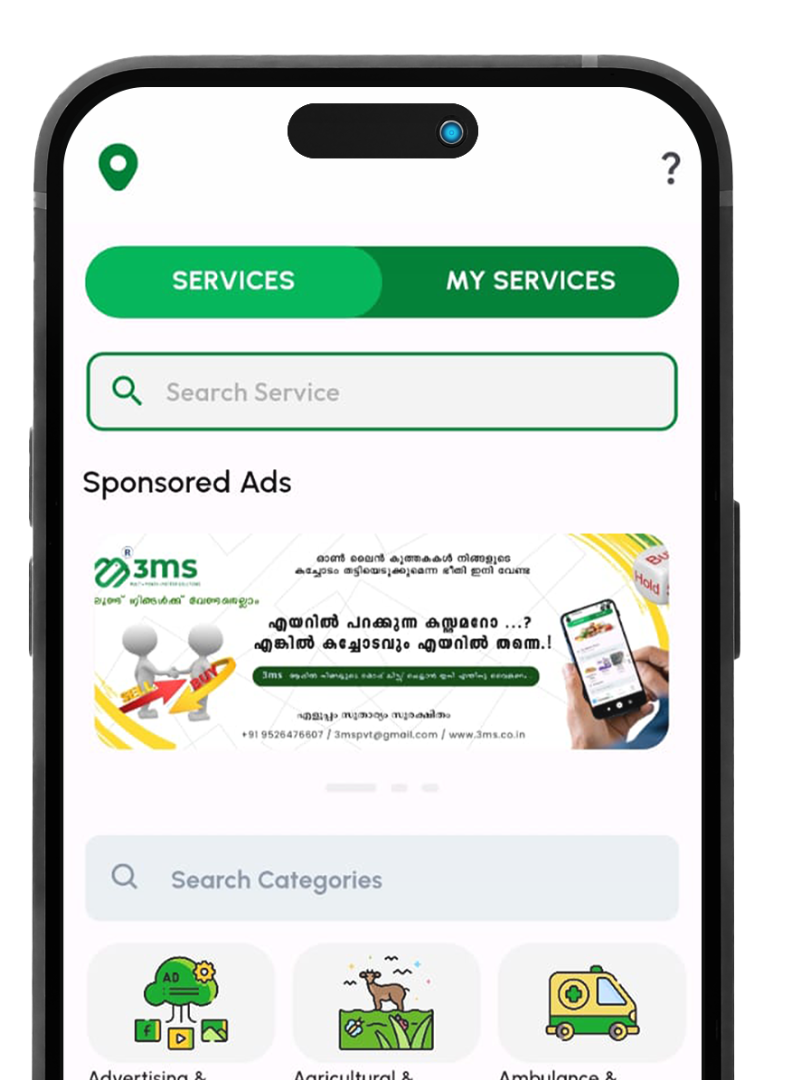
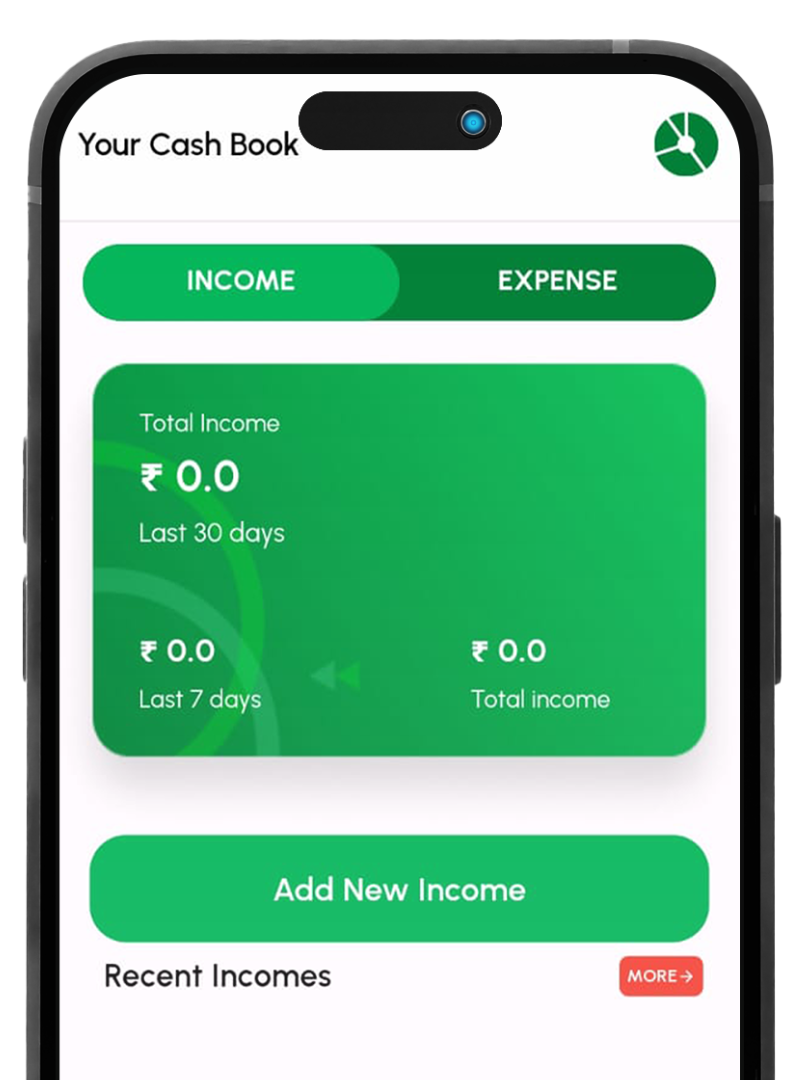
Whether you’re a new user or looking to explore advanced features, this guide will help you make the most of the 3ms app. From setting up your profile to managing transactions, charities, and more, we’ve got you covered.
Getting Started
Open the 3ms application.
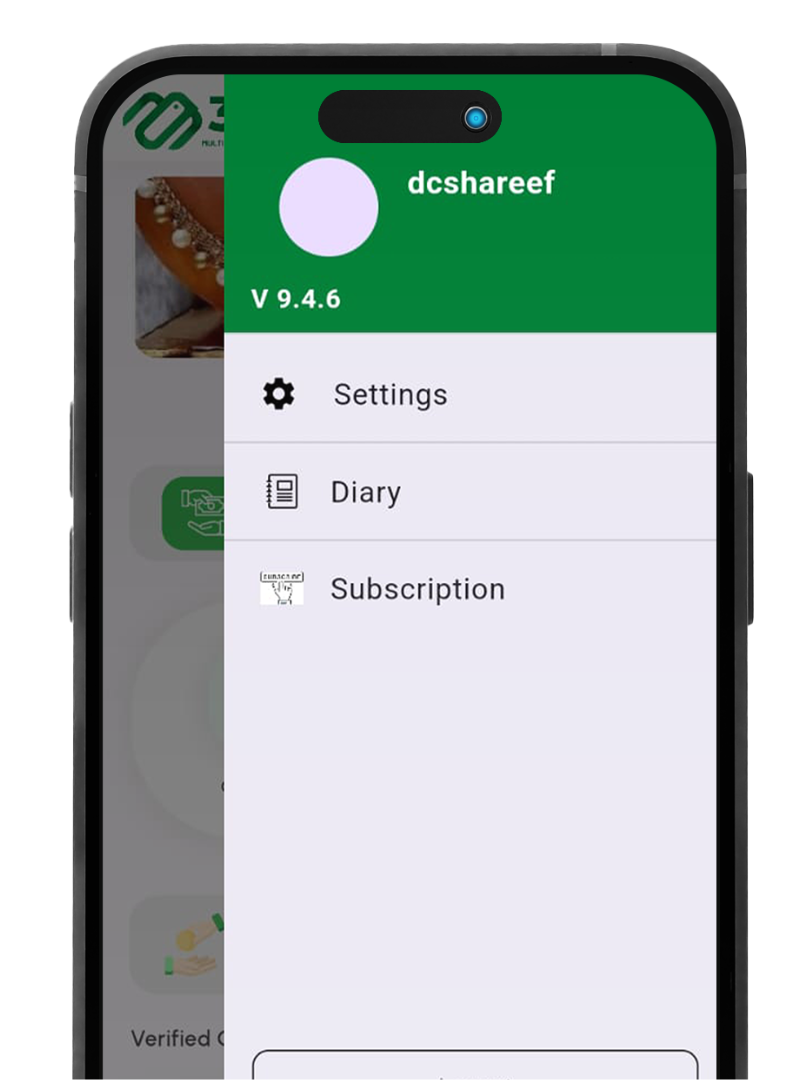
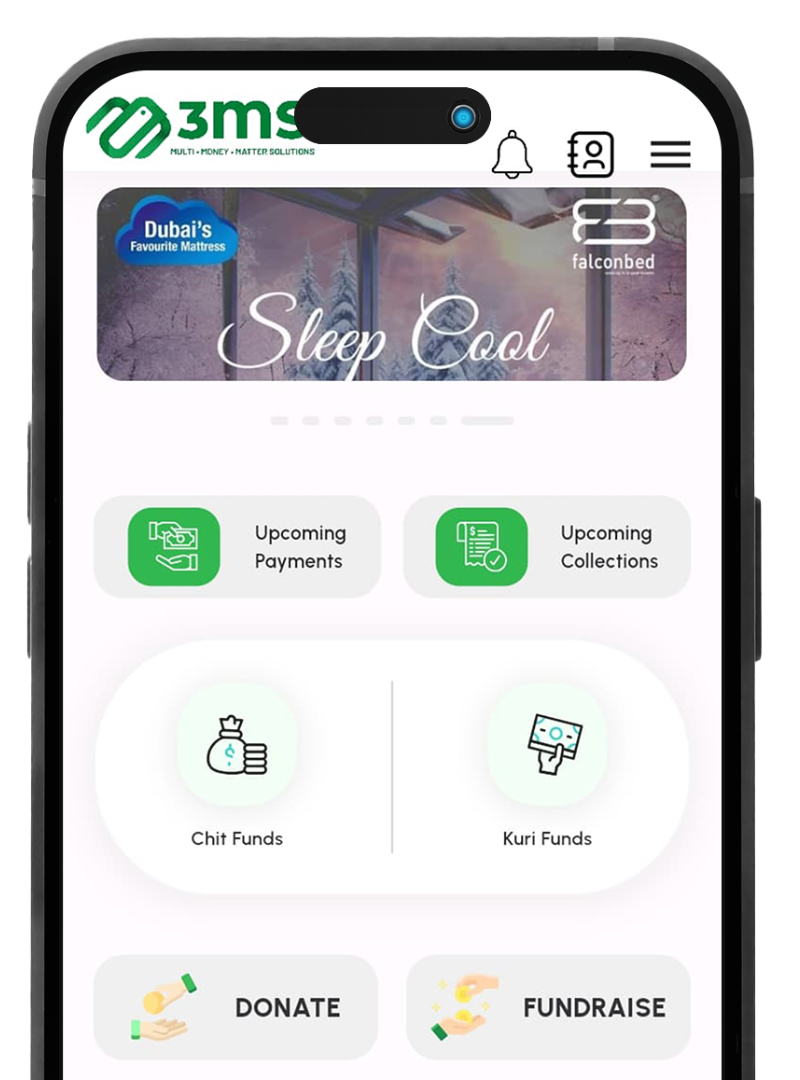
Tap the three lines at the top right of the screen.
Edit and update your name, email, and phone number in the banner.
Press the indent on the left to close the window.
Getting Started
Open the 3ms application.
Tap the three lines at the top right of the screen.
Edit and update your name, email, and phone number in the banner.